📋 Quick Answer
To manage paper clutter effectively: Create designated zones for incoming mail, bills, and important documents. Set up a simple filing system with only categories you’ll actually use. Process papers daily with the “touch it once” rule – decide immediately whether to file, act on, or toss. Most importantly, go digital wherever possible to prevent future accumulation.
Let me tell you something – I used to be the queen of paper piles. Seriously, my kitchen counter looked like a filing cabinet exploded on it. Bills mixed with school forms, important documents buried under takeout menus, and don’t even get me started on the junk mail avalanche that greeted me daily.
I tried everything. Pretty folders, expensive organizers, color-coded systems that looked amazing on Pinterest. But honestly? Most of it just made my paper problem look prettier while being equally useless.
Then I had my breakthrough moment. I realized I was overthinking this whole thing. Paper clutter isn’t about finding the perfect system – it’s about creating habits that actually stick. Here’s exactly how I turned my paper chaos into organized bliss, and how you can too.
🏠 Step 1: Create Your Paper Command Center
First things first – you need one designated spot where all incoming paper lands. In my experience, trying to manage paper in multiple locations is a recipe for disaster. I learned this the hard way when I had mail piles on the kitchen counter, bills on my desk, and school papers scattered throughout the house.
Pick one central location that you pass by daily. For me, it’s a small section of my kitchen counter near where I drop my keys. I have three simple containers:
- TO DO: Bills to pay, forms to fill out, anything requiring action
- TO FILE: Important documents that need permanent homes
- MAYBE: Things I’m not sure about (this gets reviewed weekly)
💡 Pro Tip: Keep a recycling bin or small trash can right next to your command center. You’d be amazed how much paper you can immediately toss without even thinking about it.

.
📬 Step 2: Master the Daily Mail Routine
This is where most people fail – they let mail pile up “just for today.” But honestly, that’s how you end up with Mount Paperwork taking over your life. I process my mail every single day, and it takes maybe five minutes max.
Here’s my foolproof routine:
- Sort immediately: Junk mail goes straight to recycling. Don’t even bring it inside.
- Open everything else: Yes, everything. Waiting just creates mystery piles.
- Categorize instantly: Bills go in TO DO, important documents in TO FILE, everything else gets evaluated.
The key is touching each piece of paper only once during this initial sort. If you pick it up, make a decision about it right then and there.
🗂️ Setting Up Your Filing System
Forget complicated filing systems with 47 different categories. I tried that – it doesn’t work for real life. My current system has exactly six categories, and it handles everything:
- Financial: Bank statements, investment info, tax documents
- Insurance: Auto, home, health, life – all in one section
- Home: Warranties, manuals, receipts for big purchases
- Personal: Medical records, important certificates
- Kids: School records, activities (if you have children)
- Reference: Anything else I might need to look up later
That’s it. If you can’t figure out which category something belongs in within 10 seconds, you probably don’t need to keep it.
📖 Real Talk: I used to have separate folders for electric bills, water bills, gas bills… it was ridiculous. Now everything utility-related goes in one “Financial” section, and I can still find what I need in seconds.
💻 Step 3: Go Digital Wherever Possible
This was my game-changer. I was resistant at first because I’m old-school and like having physical copies of things. But honestly, going digital cut my paper influx by about 70%.
Start with these easy wins:
- Set up online banking and switch to electronic statements
- Sign up for digital receipts at stores you frequent
- Use your phone to photograph receipts you need for taxes or returns
- Subscribe to digital versions of magazines and newspapers
For important documents that only come in paper form, I scan them using my phone’s camera and store them in clearly labeled folders on my computer. Then I file the physical copy in case I ever need the original.
⚡ Step 4: The Weekly Paper Purge
Every Sunday evening, I spend 15 minutes doing what I call my “paper purge.” This prevents small issues from becoming overwhelming problems.
During this time, I:
- Empty and sort my TO DO container
- Review the MAYBE pile and make final decisions
- File anything that’s been sitting in TO FILE
- Throw away receipts I no longer need
- Check for papers that have been sitting around too long
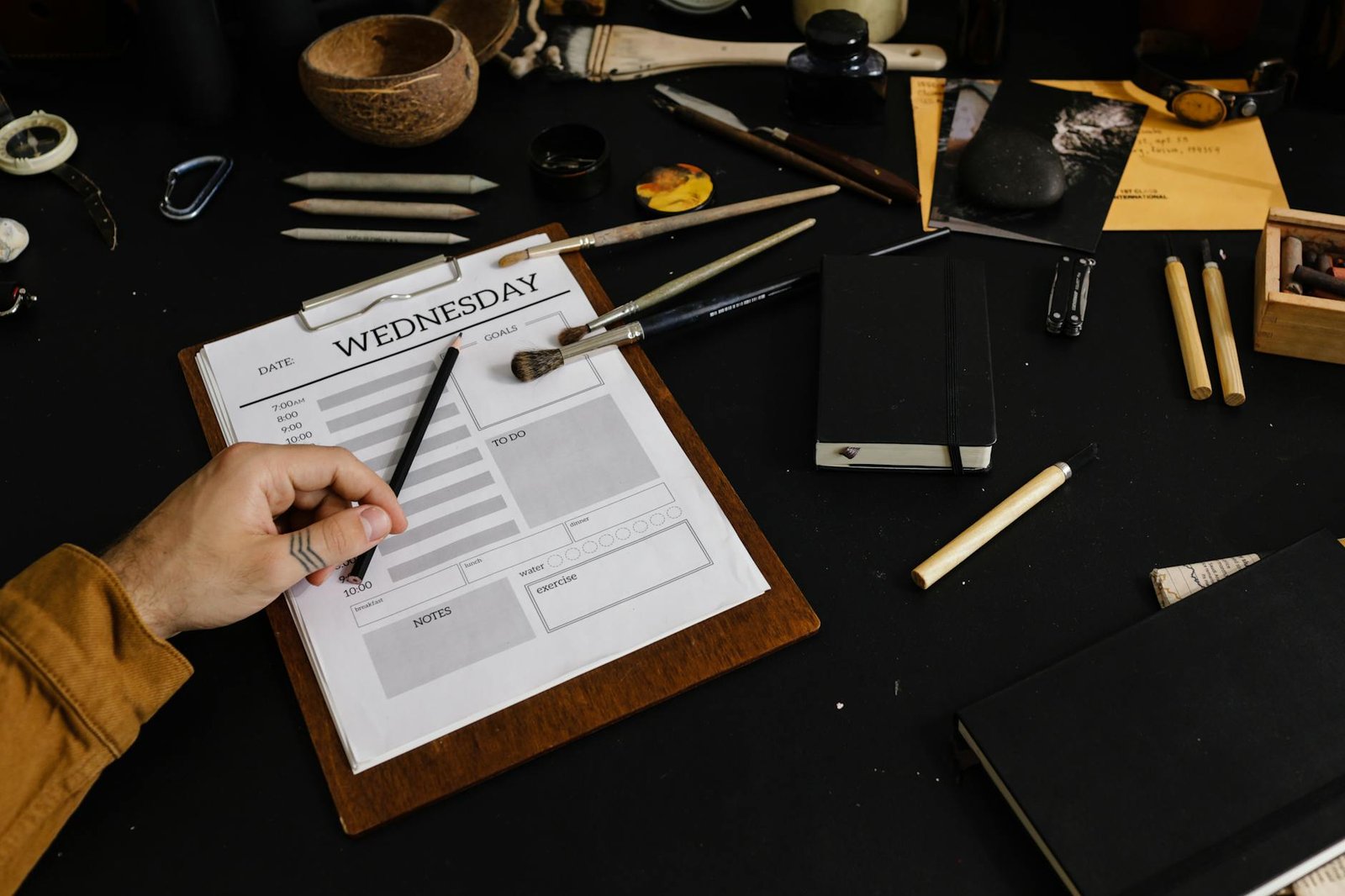
Setting up a proper workspace makes this so much easier. When I organized my home office for maximum focus, I made sure to include dedicated space for paper processing.
.
🎯 Step 5: Handle Papers by Importance
Not all papers are created equal. I learned to triage based on urgency and importance:
High Priority (handle within 24 hours):
- Bills with due dates approaching
- Medical forms or test results
- School paperwork with deadlines
- Legal documents
Medium Priority (handle within a week):
- Insurance paperwork
- Warranty registrations
- Non-urgent correspondence
Low Priority (handle when convenient):
- Catalogs and promotional materials
- Articles to read later
- Reference materials
📋 Step 6: Create Action-Based Systems
Instead of just filing everything away, I organize papers based on what I need to do with them. My desk organization setup reflects this action-based approach.
For example:
- Pay Now: Bills due within two weeks
- Call/Contact: Anything requiring phone calls or emails
- Review Later: Information I want to read when I have time
- Waiting For: Things I’m expecting responses on
🛡️ Step 7: Prevent Future Paper Avalanches
The best way to manage paper clutter is to prevent it from accumulating in the first place. Here are my favorite prevention strategies:
- Put your name on “Do Not Mail” lists for catalogs and promotional materials
- Unsubscribe from physical mailings you don’t read
- Set up automatic payments for recurring bills
- Use apps for coupons instead of printing them
- Choose electronic receipts whenever possible
I also make it a rule that for every new piece of paper that comes into my house, something has to go out. This keeps the overall volume manageable.
❓ Frequently Asked Questions
How long should I keep different types of papers?
In my experience, keep tax documents for seven years, bank statements for three years, and utility bills for one year. For everything else, if you haven’t needed it in the past year and it’s not legally required, you probably don’t need it.
What if I’m worried about throwing away something important?
I totally get this fear! Start with obviously unnecessary papers like old catalogs and expired coupons. As you build confidence, you’ll get better at identifying what’s truly important versus what just feels important.
How do I handle my spouse’s papers when they’re not on board with organizing?
Focus on managing your own papers first and lead by example. Once your spouse sees how much easier life is when papers are organized, they’ll likely want to join in. Don’t try to organize their stuff without permission – that never ends well!
What’s the best way to organize papers when you have multiple family members?
Give each family member their own section in your filing system and their own inbox at the command center. This way, everyone knows exactly where their papers belong and can take responsibility for their own stuff.
🎉 Your Paper-Free Future Starts Now
Managing paper clutter doesn’t have to be this overwhelming, mysterious process. It’s really just about creating simple systems that work with your lifestyle, not against it. The key is starting small and being consistent.
I won’t lie – it took me about three months to fully implement this system and make it a habit. But now? My paper management is on autopilot. I spend maybe 20 minutes a week total on paper-related tasks, and I always know exactly where to find what I need.
The freedom is incredible. No more frantic searching for that one important document. No more anxiety about missing bill due dates. No more kitchen counters that look like paper recycling centers.
Start with just one step – maybe setting up your command center or switching one bill to electronic delivery. You don’t have to overhaul your entire system overnight. Small, consistent changes will get you there.
I’d love to hear how your paper organization journey goes! What’s your biggest paper clutter challenge right now? Drop a comment below and let’s figure this out together!