
Quick Answer
The key to never losing important papers again is creating designated zones on your desk: an inbox for new items, labeled folders for categories, and a clean “action zone” for current work. Use vertical file holders, drawer dividers, and establish a daily 5-minute reset routine.
I’ll be completely honest with you – my desk used to be a disaster zone. Important bills would disappear under stacks of random papers, I’d miss deadlines because documents got buried, and I spent more time searching for things than actually working. If this sounds familiar, you’re not alone, and more importantly, it’s totally fixable.
After years of trial and error (and way too many late fees from lost bills), I’ve developed a desk organization system that actually works. Today, I’m sharing my tried-and-true desk organization ideas that have transformed my workspace from chaotic to completely functional.
📋 The Foundation: Create Designated Paper Zones
The biggest game-changer for me was realizing that every paper needs a specific home. I used to just pile everything together, which meant nothing could ever be found quickly.
Here’s how I set up my paper zones:
The Inbox Zone: This is where everything lands first. I use a simple tray positioned at the right corner of my desk (I’m right-handed, so it’s naturally where I place things). Every single paper that comes into my life goes here initially – mail, printouts, notes, everything.
The Action Zone: This is the clear space directly in front of me where I actually work. Nothing lives here permanently – it’s only for whatever I’m actively working on right now.
The Reference Zone: On my left side, I keep frequently referenced materials in a desktop file holder. Think contact lists, project briefs, or anything I need to glance at regularly but don’t want cluttering my action zone.
💡 Pro Tip: Start with just these three zones. Don’t overcomplicate it initially – you can always refine later once the habit sticks.
🗂️ Vertical Storage is Your Best Friend
I used to think horizontal stacking was the way to go, but vertical filing changed everything. When papers are stacked horizontally, the bottom ones might as well be in another dimension.
My vertical storage system includes:
Desktop File Holders: I have three clear acrylic file holders that sit on my desk. One for “To Do,” one for “Waiting On,” and one for “This Week’s Projects.” The transparency is key – I can see what’s in each section without digging.
Wall-Mounted File Pockets: These are mounted on the wall next to my desk for less frequently accessed but still important categories like “Insurance,” “Warranties,” and “Tax Documents.”
Expandable File Folder: This sits in my desk drawer for completed projects and reference materials I might need later but don’t want on my desktop.
📝 The Labeling System That Actually Works
I’ve tried fancy labeling systems, color-coding schemes, and complex filing methods. What actually works? Simple, clear labels that make sense to you personally.
My current labeling approach:
Action-Based Labels: Instead of generic categories, I use action words. “Pay This Week,” “Call About This,” “Review and File,” “Respond ASAP.” This tells me exactly what I need to do with each paper.
Monthly Folders: For bills and time-sensitive items, I have folders labeled with the current and next two months. This keeps due dates visible and prevents things from getting lost in the shuffle.
Project Names: For work projects, I use the actual project name rather than generic terms like “Client Work.” If I’m working on the Johnson renovation, the folder says “Johnson Renovation,” not “Architecture Projects.”
📖 Remember: Your labeling system should make sense to you at 7 AM on a Monday when you haven’t had coffee yet. If you have to think about where something goes, the system needs tweaking.
🗄️ Drawer Organization for Paper Backup
While I keep active papers visible on my desktop, my desk drawers handle the supporting cast of documents. Just like when I tackled organizing my kitchen drawers, the key is dividers and designated spaces.
Top Drawer Setup: This is for daily essentials – blank paper, notepads, frequently used forms, and my “immediate reference” folder with things like phone numbers and passwords.
Bottom Drawer System: I use an expandable file folder here for completed projects, tax documents, and anything I need to keep but don’t reference often. Each section is clearly labeled, and I do a quarterly clean-out to prevent buildup.
The game-changer was adding drawer dividers. Small boxes or even repurposed containers work perfectly to keep papers from turning into a jumbled mess every time I open the drawer.
🔄 The Daily Reset Routine
Here’s what I learned the hard way: even the best organization system falls apart without maintenance. My daily reset routine takes exactly five minutes and happens right before I shut down for the day.
Inbox Processing: Everything in my inbox gets sorted – either into an action folder, filed away, or tossed if it’s no longer needed. Nothing stays in the inbox overnight.
Action Zone Clearing: Whatever I was working on gets either completed, filed in the appropriate action folder, or scheduled for tomorrow with a note about next steps.
Quick Visual Scan: I do a 30-second scan of my entire desk space. If something looks out of place or if papers are starting to pile up somewhere they shouldn’t, I address it immediately.
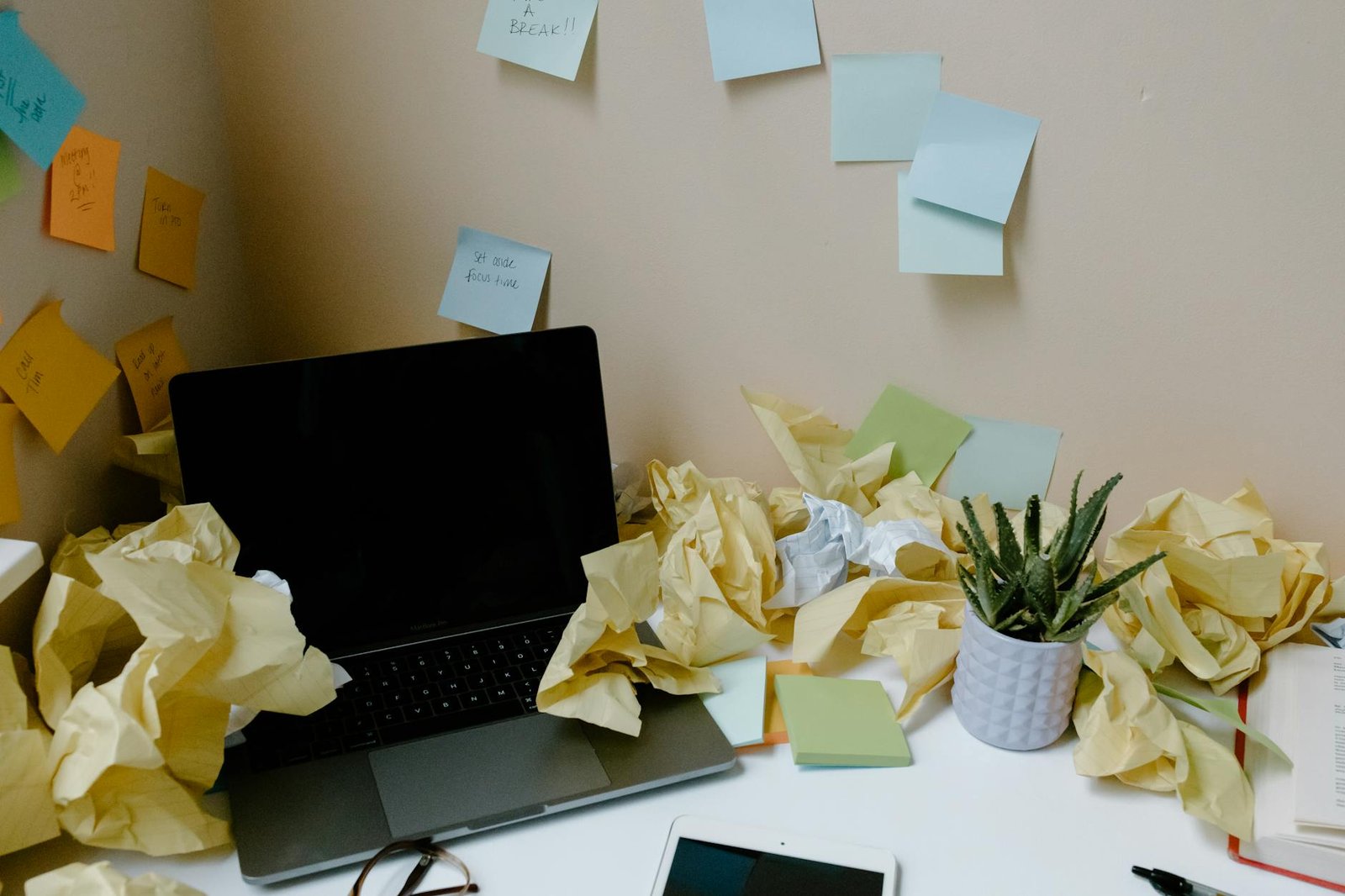
The dramatic difference proper organization makes to desk functionality
📱 Digital Integration (But Keep It Simple)
I’m not suggesting you go completely paperless – honestly, I tried that and it didn’t stick. But having a simple digital backup system has saved me multiple times.
My hybrid approach:
Phone Photos: For really important documents, I snap a quick photo with my phone immediately after filing the physical copy. This gives me a searchable backup that I can access anywhere.
One Digital Folder: I have a single “Important Papers” folder on my computer where these photos go. No complex folder structure, no fancy naming conventions – just one place where I know everything lives digitally.
Cloud Backup: This folder automatically syncs to the cloud, so even if something happens to my computer, I’ve got access to my important documents.
🚫 Common Mistakes I Made (So You Don’t Have To)
Let me share some mistakes I made while developing this system, so you can skip the learning curve:
Over-Categorizing: I once had 15 different categories for papers. It was ridiculous. If you’re spending more time deciding where something goes than it would take to just deal with it, you have too many categories.
Ignoring Paper Size: Not all papers are letter-size. I learned to keep a separate spot for receipts, business cards, and other small papers that get lost in regular folders.
Perfectionism Paralysis: I used to think my system had to be Instagram-worthy before it could be functional. Start with function, beautify later if you want to.
💡 Reality Check: Your desk organization system should save you time and stress, not create more of either. If maintaining your system feels like a part-time job, it’s too complicated.
🔧 Troubleshooting Your System
Even with a solid system in place, you’ll occasionally find papers where they don’t belong or realize something isn’t working. Here’s how I troubleshoot:
The “Where Did I Put That?” Test: If I find myself searching for the same type of document repeatedly, I know that category needs a more obvious home or a clearer label.
The Pile-Up Signal: When papers start piling up in one area, it usually means that category is either too vague or the location isn’t convenient for how I actually work.
Weekly System Check: Every Friday, I spend 2 minutes asking myself: “What frustrated me about my paper system this week?” Then I make one small adjustment to address it.
The beautiful thing about desk organization is that it’s completely personal. What works for me might need tweaking for your workflow, and that’s perfectly fine. The principles remain the same: designated zones, vertical storage, clear labels, and consistent maintenance.
❓ Frequently Asked Questions
How do I handle papers that belong to multiple categories?
I always file papers based on the next action required, not the topic. For example, a medical bill goes in “Pay This Week,” not “Medical Documents.” After it’s paid, then it can go to long-term medical filing if needed.
What should I do with papers I’m not sure about keeping?
I created a “Maybe” folder that gets reviewed monthly. If I haven’t needed something in that folder by review time, it gets tossed. This prevents decision paralysis from stopping my daily organization routine.
How long should I keep different types of papers?
I keep a simple cheat sheet in my desk drawer with retention guidelines for common document types. Tax documents for seven years, utility bills for one year, warranties until expiration, etc. Having this reference eliminates guesswork.
What if I share my desk space with someone else?
Divide the desk into clear territories and stick to your own system within your space. You can’t control someone else’s organization habits, but you can maintain your own zone effectively.
🎯 Your Paper-Free Future Starts Today
The truth is, getting your papers organized isn’t just about having a prettier desk (though that’s a nice bonus). It’s about reclaiming time you currently waste searching for things, reducing stress from lost important documents, and creating space in your mind for more important things than “where did I put that receipt?”
Just like when I learned to declutter my bedroom efficiently, the key to successful desk organization is starting with one small area and building momentum from there.
My desk organization system has evolved over time, and yours will too. The important thing is to start with the basics: create those three zones, get some vertical storage, and commit to that five-minute daily reset. Everything else can be refined as you figure out what works best for your specific situation.
I’d love to hear about your biggest desk organization challenge or which of these ideas you’re most excited to try! Drop a comment below and let’s help each other create workspaces that actually work for us instead of against us.