Quick Answer
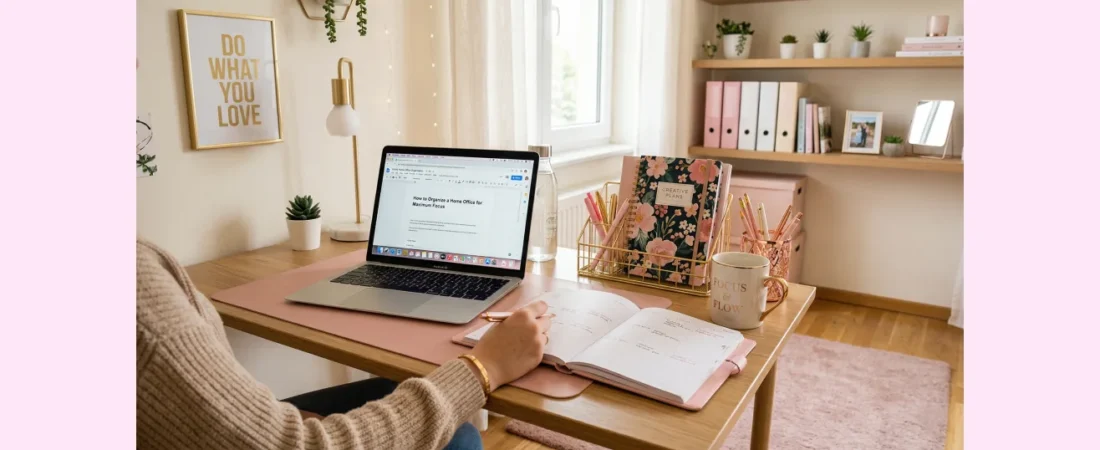
To organize a home office for maximum focus: declutter everything first, create designated zones for different tasks, use vertical storage solutions, establish a “one in, one out” rule for papers, and maintain clear surfaces. Keep only daily essentials within arm’s reach.
I’ll be honest with you – my home office used to be an absolute disaster. Papers everywhere, cables tangled like spaghetti, and I couldn’t find anything when I needed it. My productivity was suffering, and I was constantly distracted by the chaos around me. That’s when I realized that my workspace was working against me, not with me.
After years of trial and error, I’ve discovered that organizing a home office isn’t just about making things look pretty (though that’s a nice bonus). It’s about creating an environment that supports your brain’s natural ability to focus and get things done. Let me share what I’ve learned about effective home office organization ideas that actually work.
🧹 Start with a Complete Declutter
Before you can organize anything, you need to clear the slate completely. I mean everything – every paper, every pen, every random gadget that’s been sitting on your desk for months. This step might feel overwhelming, but trust me, it’s absolutely essential.
In my experience, the best approach is to remove everything from your office space and sort it into three piles: keep, donate/sell, and trash. Be ruthless here. That broken stapler you’ve been meaning to fix for six months? Toss it. Those instruction manuals for electronics you no longer own? Gone.
💡 Pro Tip: If you haven’t used something in your home office in the past six months, you probably don’t need it. The only exceptions are seasonal items or important documents you’re legally required to keep.
Just like when I tackle bedroom decluttering, I’ve found that starting with a completely clean slate makes the organization process so much more effective. You can see your space clearly and make intentional decisions about what deserves a place in your productive workspace.
📍 Create Functional Zones
Once you’ve decluttered, it’s time to think about how you actually use your office space. I’ve learned that the most organized offices have distinct zones for different activities. This isn’t just about aesthetics – it’s about training your brain to associate different areas with different types of work.
💻 The Primary Work Zone
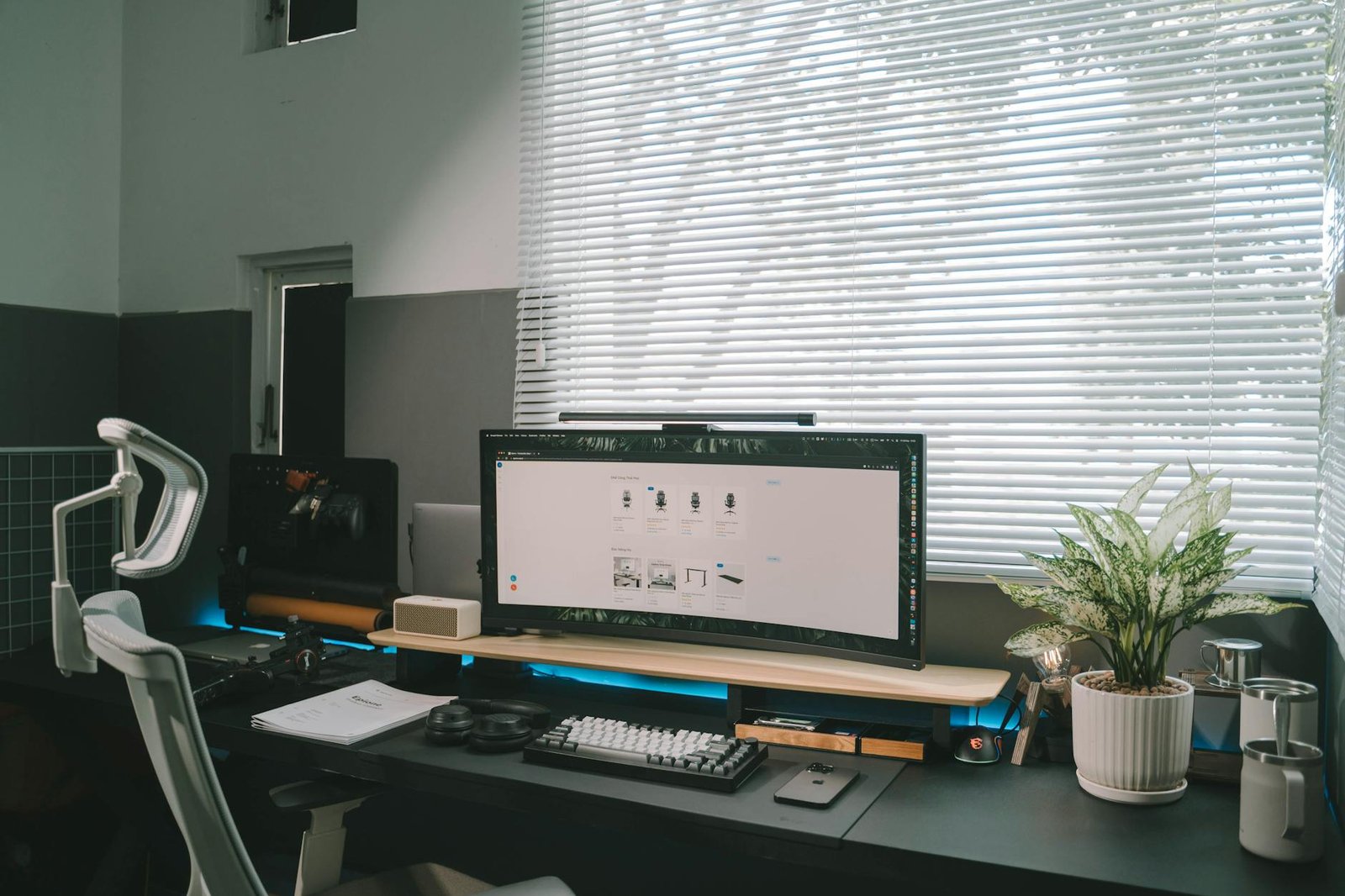
This is your main desk area where you do most of your focused work. Keep this space as minimal as possible. I only keep my computer, one notebook, a pen holder with just three pens (black, blue, and red), and a small plant on my main work surface. Everything else has found a home elsewhere.
📚 The Reference Zone
Create a separate area for books, binders, and reference materials. This could be a bookshelf, a filing cabinet, or even just a designated drawer. The key is keeping these items accessible but not cluttering your primary workspace.
🖨️ The Equipment Zone
Printers, scanners, and other office equipment should have their own designated space. If possible, keep these items on a separate surface or in a different area of the room. This reduces visual clutter and noise in your main work area.
📂 Master Your Paper Management
Papers are probably the biggest challenge in any home office. I used to have stacks everywhere, and I was constantly losing important documents. Now I follow a simple system that keeps everything under control.
🗂️ The Three-Folder System
I keep only three folders on my desk: “Action Required,” “Waiting For,” and “To File.” Every piece of paper that comes into my office goes into one of these folders immediately. No exceptions, no “I’ll deal with this later” piles.
Once a week (usually Friday afternoons), I process these folders completely. Action items get done or scheduled, waiting items get followed up on, and filing items go to their permanent homes.
📖 Remember: The goal isn’t to handle every paper perfectly the first time you touch it. The goal is to have a system that ensures nothing gets lost or forgotten.
🗃️ Digital-First Approach
Whenever possible, I’ve moved to digital versions of documents. I scan receipts, bills, and other papers immediately and store them in clearly labeled digital folders. This dramatically reduces the physical paper I need to manage.
📦 Maximize Your Storage Solutions
Smart storage is what makes or breaks a home office organization system. I’ve found that vertical storage is your best friend in a home office, just like it is when you’re trying to maximize storage in small spaces.
⬆️ Think Vertically
Wall-mounted shelves, hanging organizers, and tall bookcases make use of often-wasted vertical space. I installed floating shelves above my desk for items I need occasionally but not daily – things like extra notebooks, reference books, and backup supplies.
🔧 Use Drawer Organizers
Drawer organizers aren’t just for kitchens (though I love the ones I use for my kitchen drawers). Small compartments keep office supplies separated and easy to find. I use a combination of purchased organizers and repurposed small boxes to create the perfect fit for my needs.
📱 Label Everything
I cannot stress this enough: labels are game-changers. I label every drawer, every shelf, every box, and every folder. This isn’t just for me – it helps anyone else who might need to find something in my office, and it forces me to maintain the system because everything has a designated home.
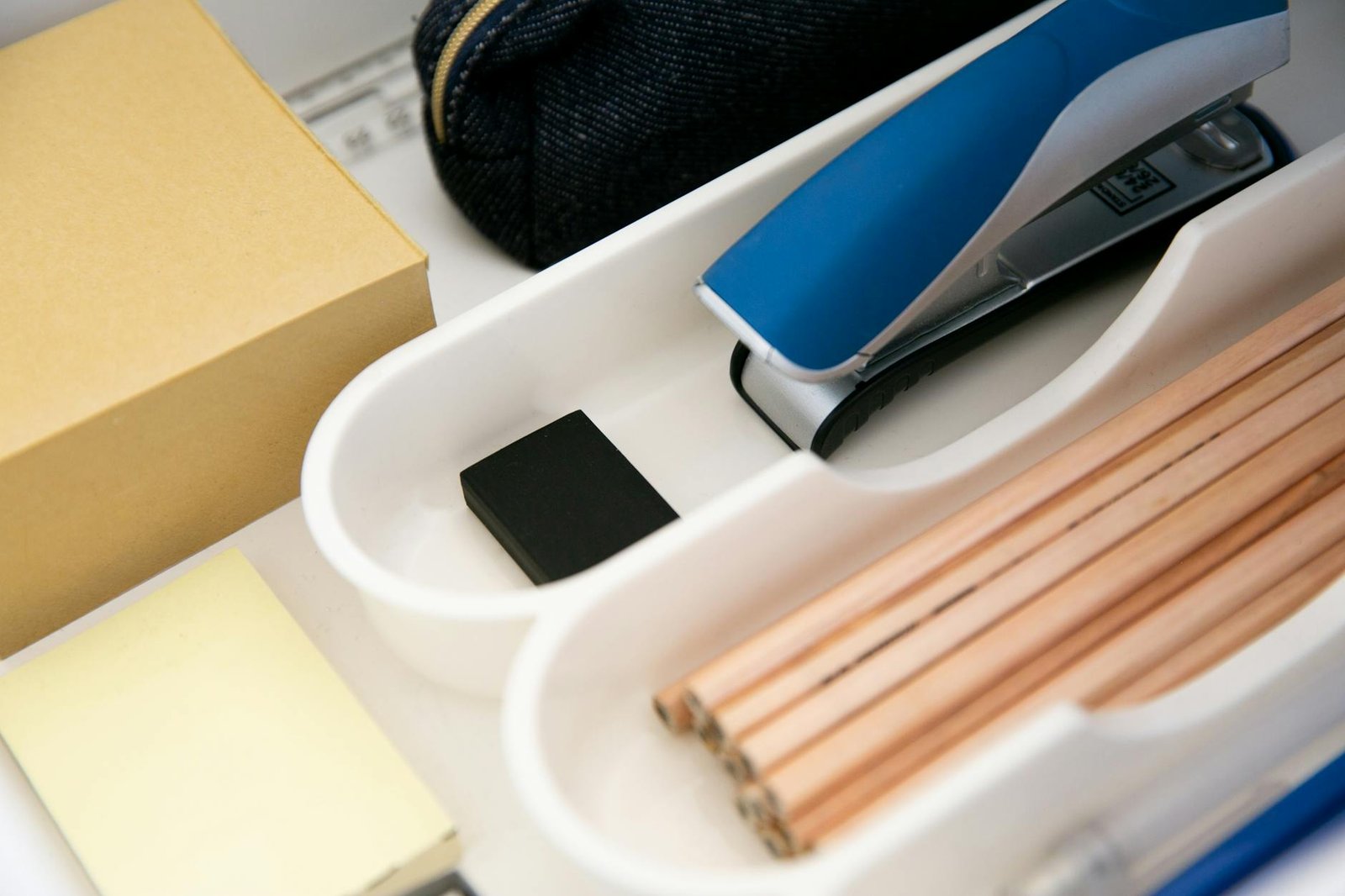
Drawer organizers and labels keep supplies accessible and maintain order
🔌 Tame the Cable Chaos
Nothing ruins a clean office aesthetic like a tangle of cables. More importantly, messy cables create visual clutter that can be surprisingly distracting. I’ve tried countless cable management solutions, and here’s what actually works:
Cable clips attached to the edge of your desk keep frequently used cables within easy reach but off your work surface. For cables you don’t need to access regularly, a simple cable management tray mounted under your desk works wonders.
I also invested in a small label maker specifically for labeling power adapters and cables. When everything looks the same, labels save so much time and frustration.
🕐 Maintain Your System Daily
The best organization system in the world won’t work if you don’t maintain it. I’ve learned this the hard way more times than I care to admit. Now I have a simple daily routine that keeps everything in check:
Every evening before I finish work, I spend five minutes clearing my desk surface, filing any papers that accumulated during the day, and putting supplies back where they belong. It’s such a small investment of time, but it means I start each day with a clean, organized workspace.
💡 Game Changer: Set a phone alarm for 10 minutes before your usual quitting time. Use those 10 minutes to reset your space for tomorrow. Your future self will thank you.
🤔 Frequently Asked Questions
How often should I reorganize my home office?
I do a light reorganization monthly and a complete overhaul every six months. The monthly check helps me adjust systems that aren’t working, while the biannual deep organization lets me declutter items that have accumulated and reassess my storage needs.
What’s the biggest mistake people make when organizing their home office?
In my experience, the biggest mistake is trying to organize around clutter instead of decluttering first. You can’t organize your way out of having too much stuff. Start with less, and organization becomes so much easier.
How do I stay organized when I work from home full-time?
The key is building organization into your daily routine, not treating it as a separate task. I process papers as they come in, put supplies away immediately after using them, and do a quick five-minute tidy at the end of each workday.
Should I organize my digital files the same way as my physical ones?
Absolutely! I use the same folder system digitally that I use physically. Having consistent organization methods across both digital and physical spaces reduces the mental load and makes everything more intuitive.
🎯 Your Organized Office Awaits
Creating an organized home office that supports maximum focus isn’t about perfection – it’s about creating systems that work for your specific needs and work style. The strategies I’ve shared have transformed not just my workspace, but my entire approach to productivity and focus.
Remember, the goal isn’t to have a picture-perfect office that looks like it belongs in a magazine. The goal is to create a space that removes barriers to your best work and helps your mind focus on what matters most.
Start with one area – maybe just your desk surface – and build from there. Small, consistent changes compound over time, and before you know it, you’ll have a home office that truly supports your success.
What’s your biggest home office organization challenge? I’d love to hear about your struggles and victories in the comments below. Sometimes the best solutions come from sharing our experiences with each other!